Centro de ayuda / Properties, owners & units
Add and invite owners
Este artículo solo está disponible en inglés por ahora. El resto del centro de ayuda está en español.
Invite owners, give them portal access, and find them fast.
Para operadores · 3 min de lectura
Add an owner
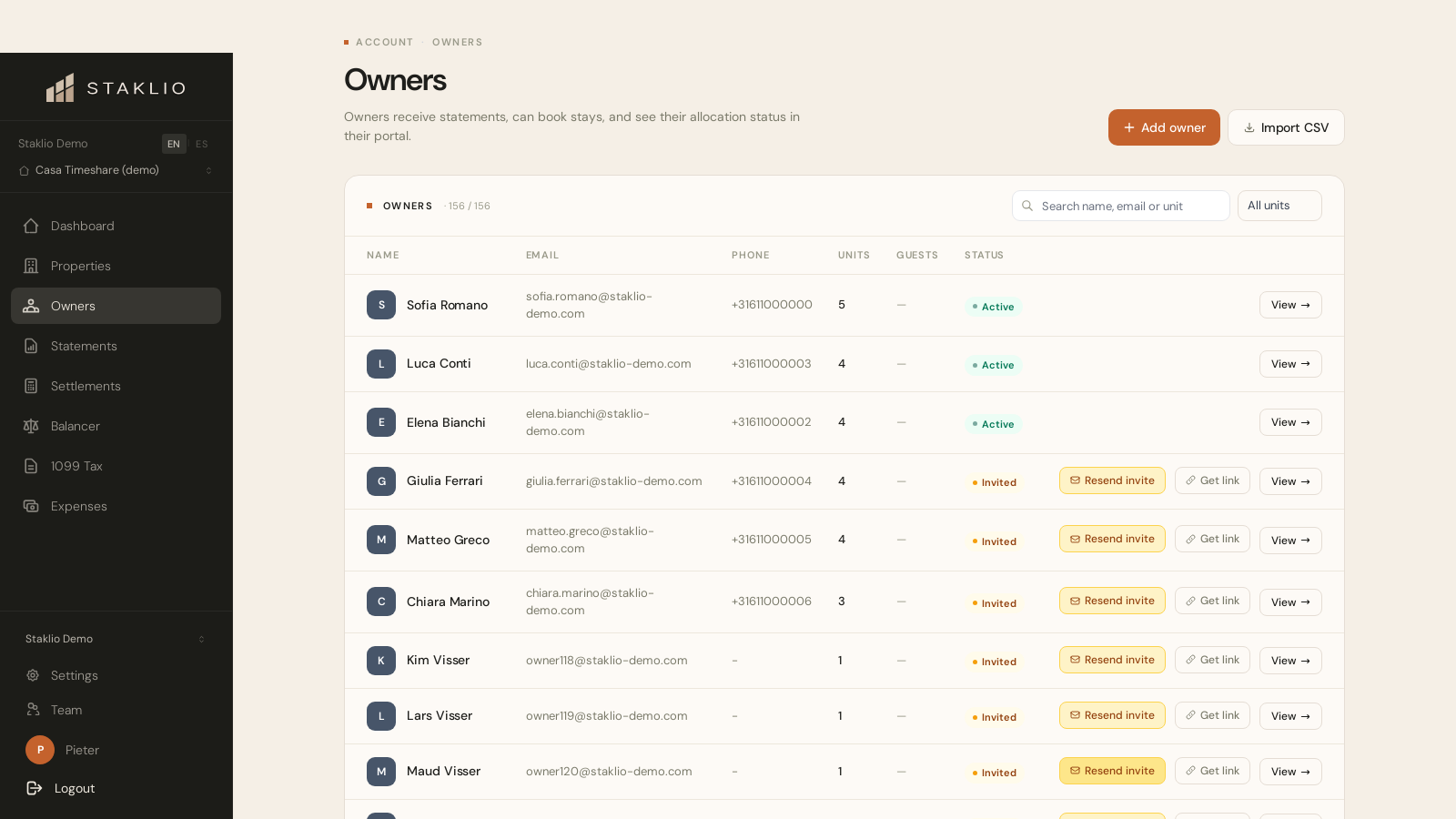
- 1 Go to Owners and click Add owner.
- 2 Enter their name and email. An invitation is sent straight away — tick “Add without inviting yet” if you are still setting up, and send it from their profile once their units are linked.
- 3 Assign one or more units with a start date.
- 4 The owner clicks the invite link, sets a password, and lands in their portal.
Finding owners
The Owners list has a search box (by name or email) and filters — for example to show only owners with no units assigned, or with more than a few units. Columns are sortable by name, email or unit count.
You can also bulk-import owners from a CSV file from the Owners page.
What does an owner pay?
Pricing adds a small per-owner amount per property to your estimated monthly cost — shown live as you add owners.
Can an owner own part of a unit?
Yes. A contract can be a percentage (e.g. 50%) of a unit, and a unit can have several part-owners.