Centro de ayuda / Revenue balancing & room rotation
Reading the allocation audit log
Este artículo solo está disponible en inglés por ahora. El resto del centro de ayuda está en español.
See every routing decision the engine made, and why.
Para operadores · 3 min de lectura
Every routing decision is recorded so you can see exactly what happened and explain it to owners.
Open it
- 1 Open the property and choose View full audit log from the Reservation routing card.
- 2 Each row shows the reservation, the room your PMS originally picked, the room Staklio assigned, whether it was moved, and the reason — in the terms of whichever model that property uses.
- 3 Use Show moved only to filter to just the reassignments.
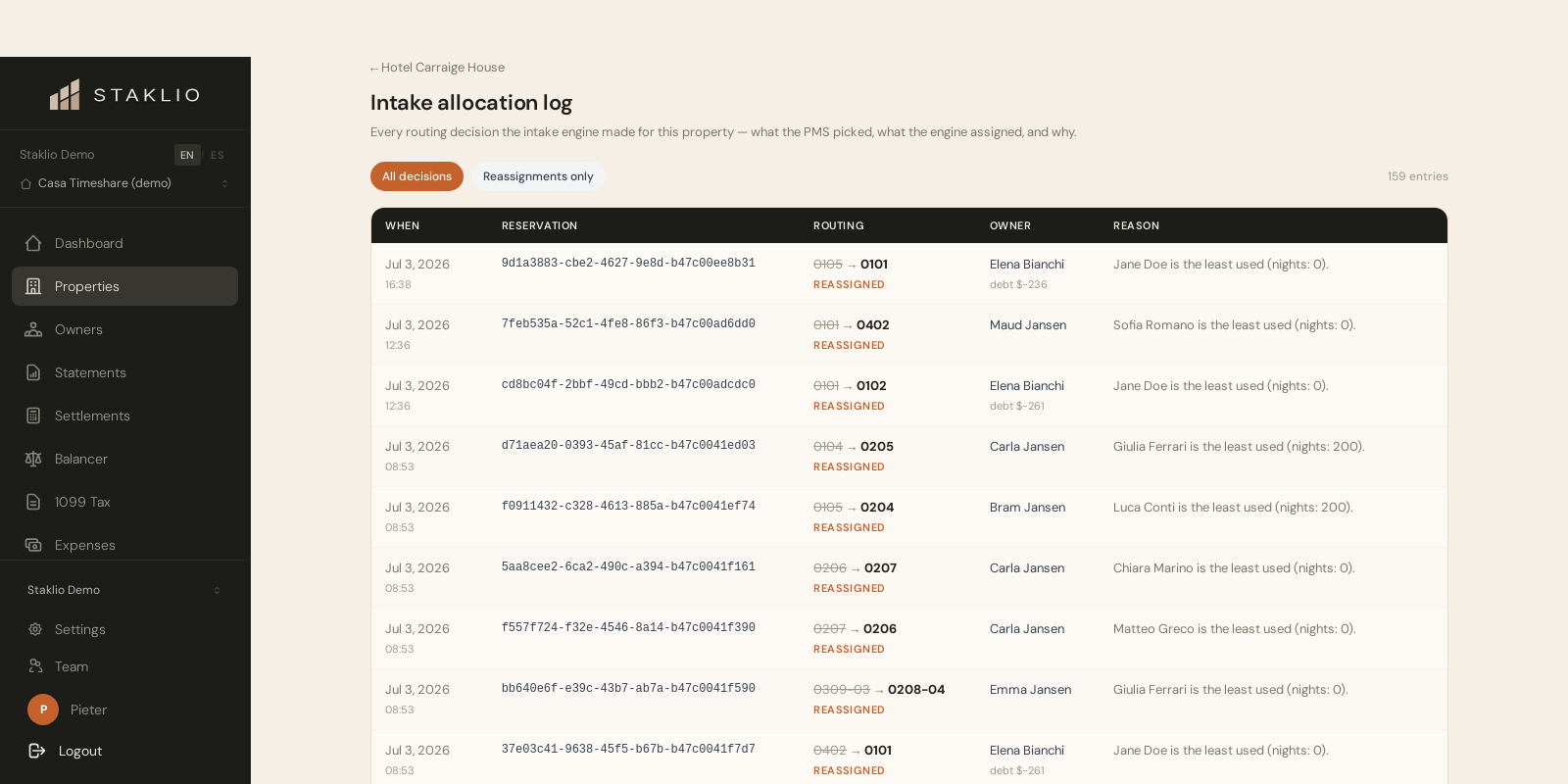
Notas: Automatic routing and the balancer queue are the same ranking, decided at different moments — one at intake without asking, one when you work the queue. The log records both, so a decision can be explained to an owner months later whichever way it was made.